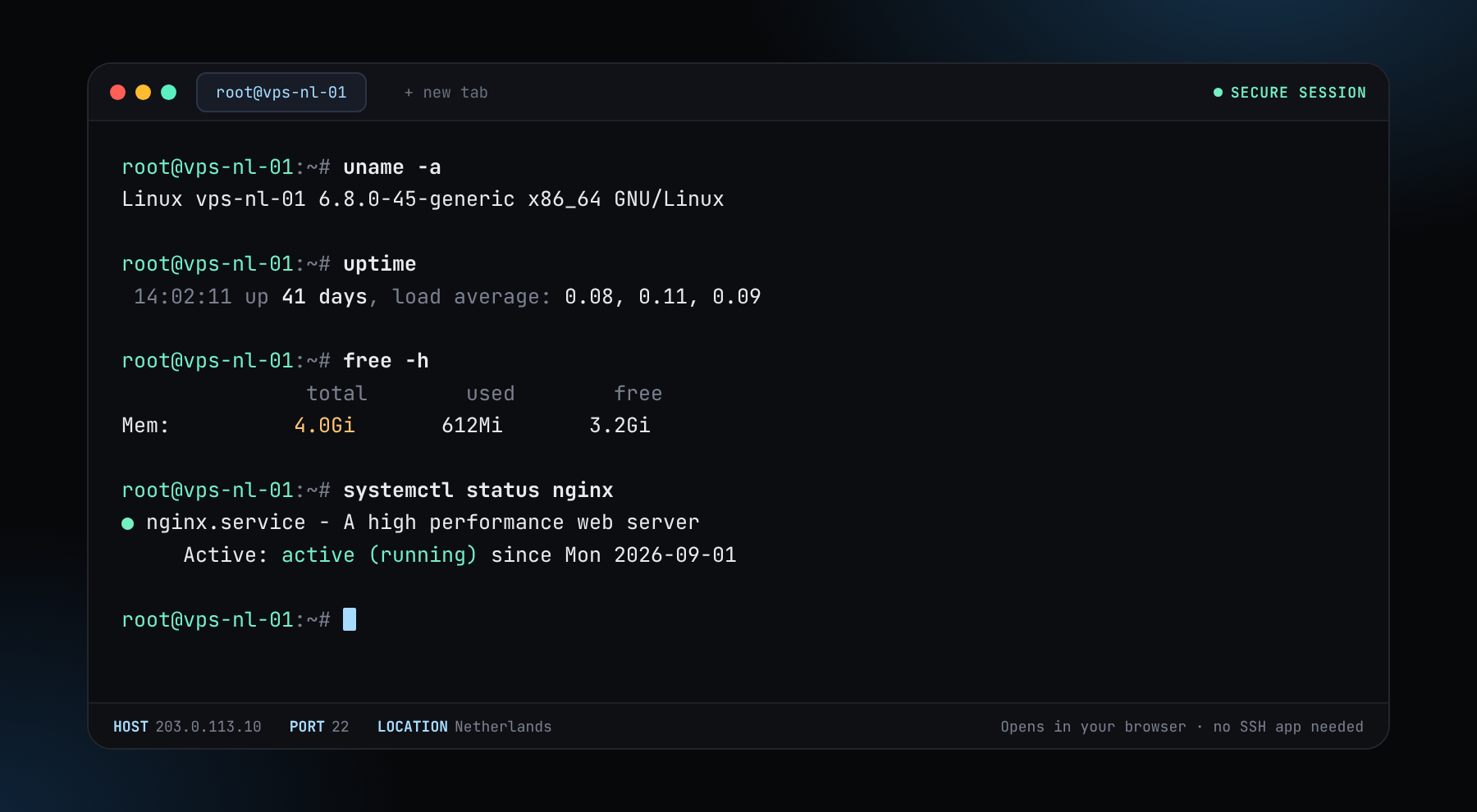
We've got a new update. We now offer our own Web Console. Open the console and type ssh root@your-server-ip to reach any server you own, right from your browser. No SSH app needed.
Compare every Windows RDP tier across every location side by side, or pick a country and browse what it offers. Full local Administrator, pay from your balance with crypto.
Full local AdministratorInstall and change anything the OS allows
60-second deployFrom order to a login prompt
NVMe storageOn every tier
Pay with cryptoFrom your account balance
A panel opens with the tier, location and billing term. Continue takes you to your dashboard with everything already chosen. There you pick the Windows version, set your password or SSH key, add optional backups and pay from your balance. If you're not logged in, the log in / sign up window opens first.
Every plan is full admin RDP on your own dedicated Windows instance with the local Administrator account — never a shared login split between customers.
The dashboard shows how much is missing and takes you to Top up. Your choices are remembered, so you can come back to the same order afterwards.
Use the "What are you running?" buttons for a starting point, or start with the smallest tier that fits your workload. The grid puts every option side by side so you can compare.