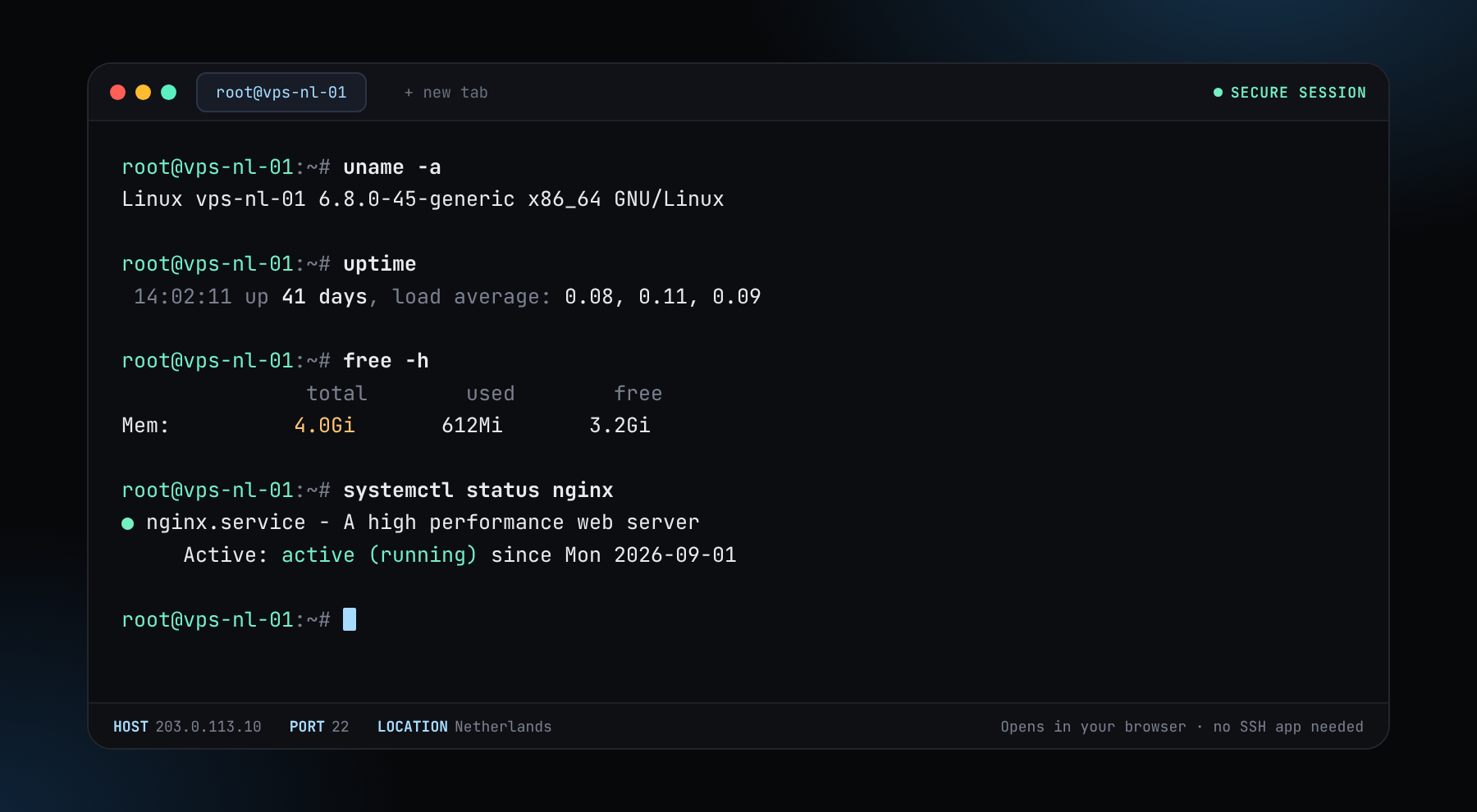
We've got a new update. We now offer our own Web Console. Open the console and type ssh root@your-server-ip to reach any server you own, right from your browser. No SSH app needed.
An Expert Advisor only trades while the platform is running. A Windows server in a data centre stays online when your laptop sleeps, loses Wi-Fi or restarts. This page covers what to pick and how to place it. It is not financial advice and promises no profit.


Prices change with the location you choose. A longer term takes up to 50% off.
or $5/mo on a 12-month term (−50%)
One or two MetaTrader terminals with a handful of charts and EAs.
Configure and orderor $7.50/mo on a 12-month term (−50%)
Several terminals, more charts and room for a Windows update.
Configure and orderAsk your broker where its trade server is hosted and pick the closest country.
Log in as Administrator and change the password at once.
Download the installer from your broker’s own site and log in to your account.
Copy it to the Experts folder, enable Algo Trading and test before using real money.
Closing the RDP window leaves your session and your EA running.
MetaTrader and most Expert Advisors are Windows programs. You can run them on Linux with extra layers, but a Windows server avoids the problems. If you run a Python or API-based bot instead, our cheapest Linux VPS is enough. See VPS for trading bots and the Windows RDP versus Linux VPS comparison.
Trading leveraged products carries a high risk of loss. A server does not make a strategy profitable.
A server in a data centre that runs your trading platform and Expert Advisors all day, so trading does not depend on your own computer or connection.
A Windows server with about 2 GB of RAM per terminal. The Small RDP plan from $10 a month suits one or two terminals, and the Medium plan from $15 a month suits several.
Close to your broker’s trade server, because that lowers latency. Ask your broker where it is hosted, then compare nearby locations.
No. It only keeps your platform running. Trading carries a high risk of loss and nothing here is financial advice.
Yes. Pay in Bitcoin, Monero, USDT or another supported coin, with no name, ID or phone. See pay with crypto.
The Windows plans include the Windows operating system so you can log in and run your platform. Check the plan page for the exact edition and the number of concurrent sessions.
No ID, no card. Pay in crypto and connect in minutes.