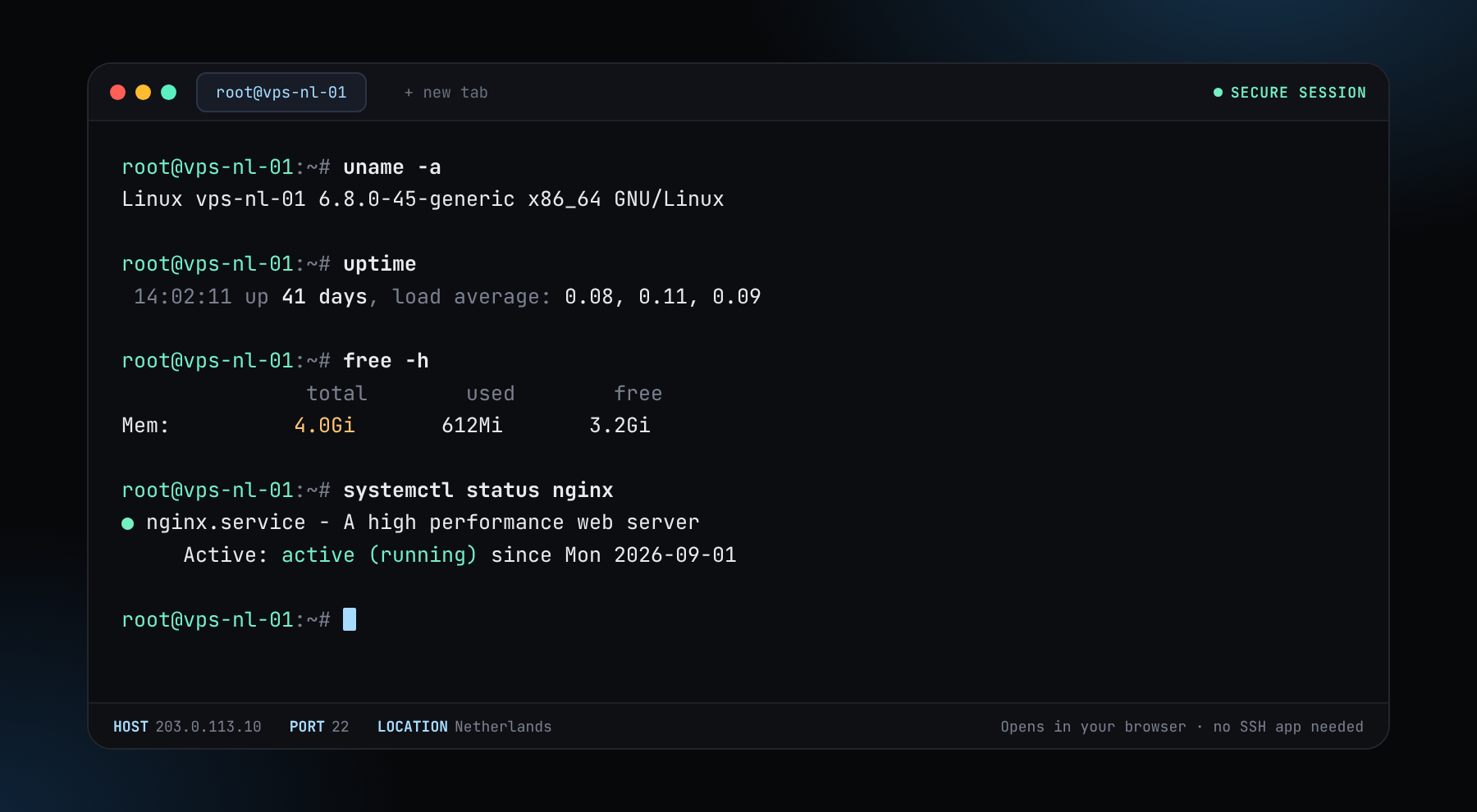
We've got a new update. We now offer our own Web Console. Open the console and type ssh root@your-server-ip to reach any server you own, right from your browser. No SSH app needed.
They are four different tools. A VPS is a slice of a machine, a dedicated server is the whole machine, a GPU server adds graphics hardware for compute, and RDP gives you a Windows desktop. Here is how to tell which one your workload needs, with the price of each from the live catalogue.
Prices are one-month prices at the cheapest location for the smallest plan of each type. A longer term takes up to 50% off.
| VPS | Dedicated | Windows RDP | GPU | |
|---|---|---|---|---|
| What it is | A virtual machine on shared hardware (KVM) | A whole physical server for you | A remote Windows desktop or server | A server with a graphics card for compute |
| Smallest plan | 1 vCPU, 2 GB, 40 GB NVMe | 8C / 16T · Xeon E-2388G, 64 GB DDR4 ECC, 2× 1TB NVMe | 2 vCPU, 4 GB DDR4, 60 GB NVMe | 1x RTX 4090 · 24 GB, 12 vCPU, 64 GB DDR5 |
| From, per month | $5.76 | $42.75 | $9.50 | $109.25 |
| Operating system | Linux or other images, full root | Your choice, with IPMI access | Windows with full Administrator | Linux with CUDA images |
| Best for | Websites, bots, VPNs, small services, nodes | Heavy databases, big nodes, sustained load | Windows-only software, remote desktop | AI models, rendering, GPU compute |
| Not for | Workloads that need every core all day | Small projects: you pay for power you will not use | Linux services: a VPS is cheaper | Anything that does not use a GPU |
If the software only runs on Windows, rent RDP. Otherwise carry on.
If it trains or runs an AI model, renders video or needs CUDA, rent a GPU server. See private LLM hosting to size one.
If one workload will keep all cores or most of the memory busy all day, such as a big blockchain node or a heavy database, a dedicated server is better value. See node hosting for examples.
Start with a VPS. You can upgrade later, and a one-month term costs little to try. A common mid-size choice is 2 vCPU, 4 GB, 60 GB NVMe at $8.50 in Romania.
A VPS is a virtual machine that shares a physical server with others. A dedicated server is a whole physical machine for you alone, so you get all its CPU, memory, disks and network.
When your workload uses a GPU: running or training AI models, rendering or other CUDA compute. For anything else a VPS or dedicated server is cheaper.
Choose RDP when the software only runs on Windows. It comes with full Administrator access and a licence. For Linux services a VPS is cheaper.
Yes. Start small and order a larger plan, or a different type, when you need it. You pay from the same balance.
A VPS, from $5.76 a month. Dedicated starts at $42.75, RDP at $9.50 and GPU at $109.25. See pricing for every plan.
No. All four use the same generated login and crypto balance, with no name, ID or phone. See no-KYC hosting.
No ID, no card. Pay in crypto and deploy in minutes.