














Bot Discord kết nối tới gateway của Discord và duy trì kết nối, vì vậy nó cần một máy luôn bật. VPS nhỏ thì rẻ, luôn trực tuyến và không phụ thuộc vào internet nhà bạn. Hướng dẫn này triển khai bot Node.js với discord.js và giữ nó sống bằng systemd.
VPS cỡ nào?
1 vCPU và 1 đến 2 GB RAM là đủ cho hầu hết bot. Các bot lớn hơn lưu đệm nhiều máy chủ hoặc xử lý âm thanh cần nhiều hơn. Xem lưu trữ bot Discord để biết các gói.
Bước 1: tạo bot trong Discord
- Mở Discord Developer Portal và tạo một ứng dụng mới.
- Thêm một Bot, sao chép token của nó và giữ bí mật.
- Trong OAuth2, tạo liên kết mời với các scope
botvàapplications.commandsrồi thêm bot vào máy chủ của bạn.
Bước 2: cài đặt Node.js
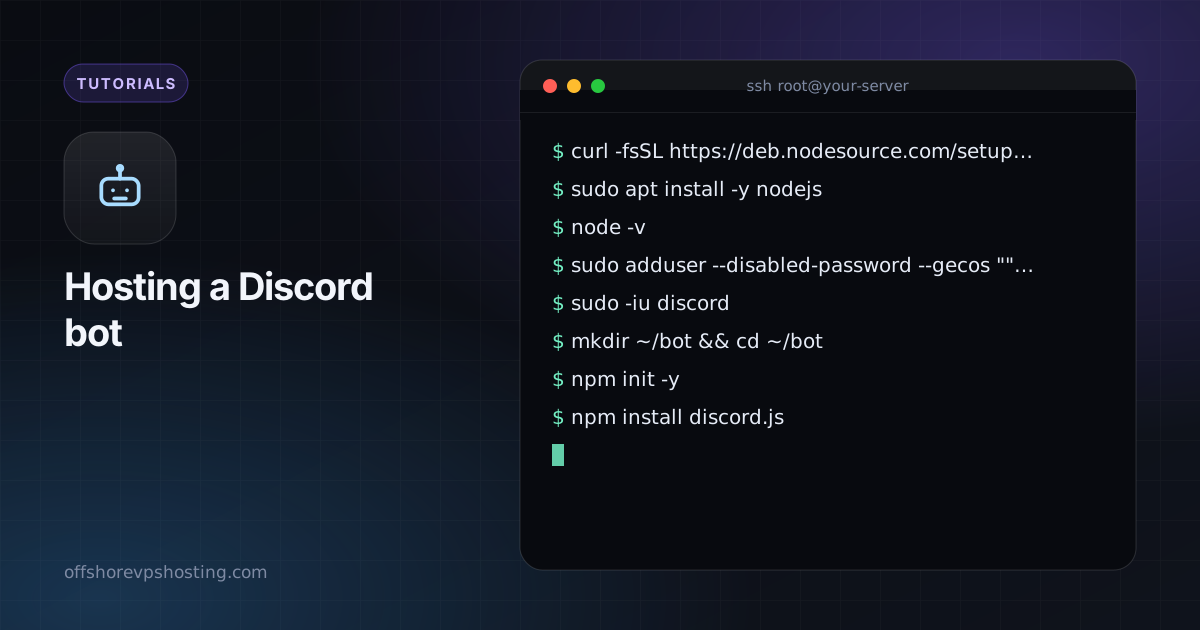
curl -fsSL https://deb.nodesource.com/setup_22.x | sudo -E bash -
sudo apt install -y nodejs
node -v
sudo adduser --disabled-password --gecos "" discord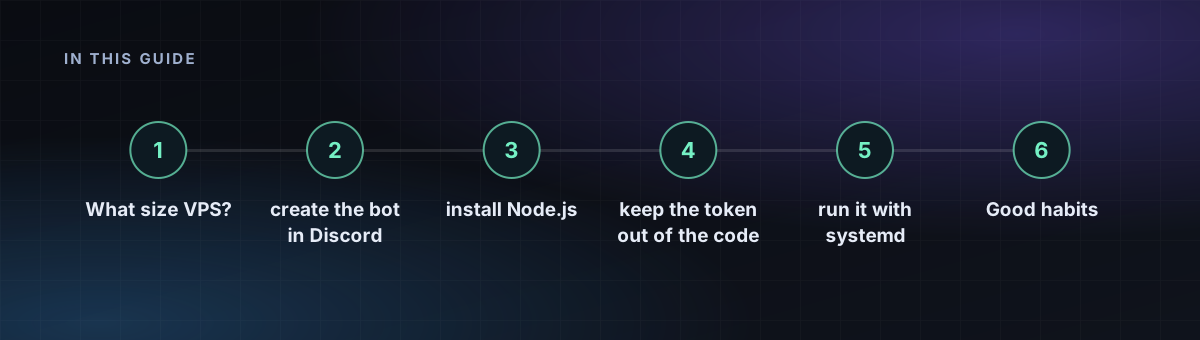
Bước 3: viết bot
sudo -iu discord
mkdir ~/bot && cd ~/bot
npm init -y
npm install discord.js
// index.js
const { Client, GatewayIntentBits } = require('discord.js');
const client = new Client({ intents: [GatewayIntentBits.Guilds] });
client.once('ready', () => console.log('Logged in as ' + client.user.tag));
client.on('interactionCreate', async (i) => {
if (i.isChatInputCommand() && i.commandName === 'ping') await i.reply('Pong!');
});
client.login(process.env.DISCORD_TOKEN);Đăng ký lệnh slash /ping một lần theo phương pháp trong hướng dẫn của discord.js.
Bước 4: giữ token ngoài mã nguồn
echo "DISCORD_TOKEN=your-token-here" > ~/bot/.env
chmod 600 ~/bot/.env
Bước 5: chạy nó bằng systemd
[Unit]
Description=Discord bot
After=network-online.target

[Service]
User=discord
WorkingDirectory=/home/discord/bot
EnvironmentFile=/home/discord/bot/.env
ExecStart=/usr/bin/node index.js
Restart=always
RestartSec=5

[Install]
WantedBy=multi-user.target
sudo systemctl daemon-reload
sudo systemctl enable --now discordbot
journalctl -u discordbot -fĐặt tên tệp là /etc/systemd/system/discordbot.service.
Thói quen tốt
- Chỉ dùng các intent bạn cần. Các intent đặc quyền phải được bật trong portal.
- Nếu token từng bị rò rỉ, hãy đặt lại nó trong portal ngay lập tức.
- Tự khởi động lại khi lỗi đã được thiết lập ở trên. Hãy thêm giám sát nếu bot quan trọng với một cộng đồng.