














A VPS can fail, be deleted by mistake or be broken by a bad update. The only protection is a backup you have tested. This guide sets up simple, automated, encrypted backups with free tools.
The 3-2-1 rule
Keep 3 copies of your data, on 2 different kinds of storage, with 1 copy somewhere else entirely. For a VPS that usually means the live data, a local snapshot and an off-site copy on a different provider or in a different country.
What to back up
- Website files and uploads (
/var/www). - Databases, dumped to a file first (never copy live database files).
- Configuration:
/etc/nginx,/etcchanges, Docker Compose files and volumes. - Cron jobs and any custom scripts.
You can reinstall the operating system in minutes. What you cannot reinstall is your data and your settings.
Use restic for encrypted, deduplicated backups
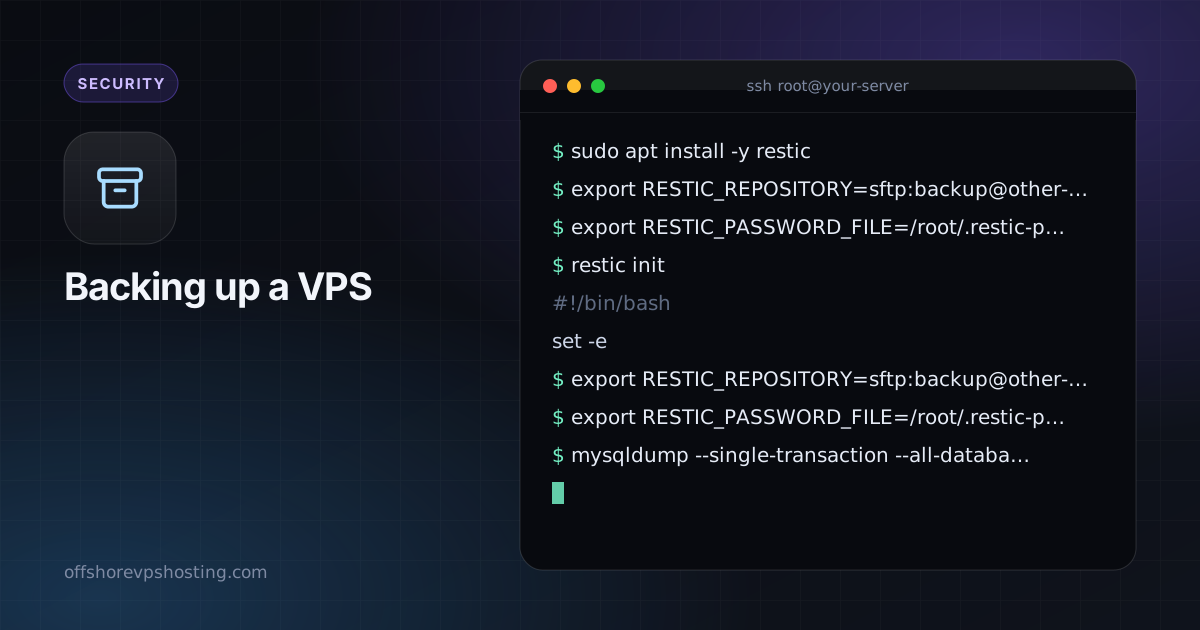
sudo apt install -y restic
export RESTIC_REPOSITORY=sftp:backup@other-server:/backups/vps1
export RESTIC_PASSWORD_FILE=/root/.restic-pass
restic init
Create the password file with a long random string and store a copy somewhere safe. If you lose this password, the backups cannot be opened. restic also supports S3-compatible storage, so you can push to any object store.
A backup script
#!/bin/bash
set -e
export RESTIC_REPOSITORY=sftp:backup@other-server:/backups/vps1
export RESTIC_PASSWORD_FILE=/root/.restic-pass

mysqldump --single-transaction --all-databases | gzip > /var/backups/db.sql.gz
restic backup /var/www /etc /var/backups/db.sql.gz
restic forget --keep-daily 7 --keep-weekly 4 --keep-monthly 6 --prune
Save it as /usr/local/bin/backup.sh, make it executable and schedule it:
sudo chmod +x /usr/local/bin/backup.sh
echo "30 3 * * * root /usr/local/bin/backup.sh >> /var/log/backup.log 2>&1" | sudo tee /etc/cron.d/backup
Test a restore
restic snapshots
restic restore latest --target /tmp/restore-test --include /etc/nginx
A backup you have never restored is only a hope. Test once a quarter, and always after changing anything.
Snapshots help, but are not enough
Provider snapshots are fast and handy before risky changes, but they live with the same provider and account. Treat them as a convenience and keep an independent off-site copy.