














A backup you can restore is the difference between an annoying afternoon and losing a project. The basic VPS backup guide covers the idea. This one goes further with restic and BorgBackup: two tools that make encrypted, deduplicated backups to a second server or to object storage.
Why restic or borg instead of plain copies
- Deduplication. Only changed data is stored, so daily snapshots stay small.
- Encryption. Data is encrypted before it leaves your server.
- Snapshots. You can restore the state from any past day.
- Verification. Both tools can check repository integrity.
Pick one. Restic is simple and works with many storage types, including SFTP and S3-compatible storage. Borg is very efficient and works over SSH to a server that has borg installed.
Where to send backups
Never store the only backup on the same server. Use a second VPS in another location, an S3-compatible bucket or a storage box. A small VPS with a big disk makes a cheap backup target. See VPS plans.
Restic: set up
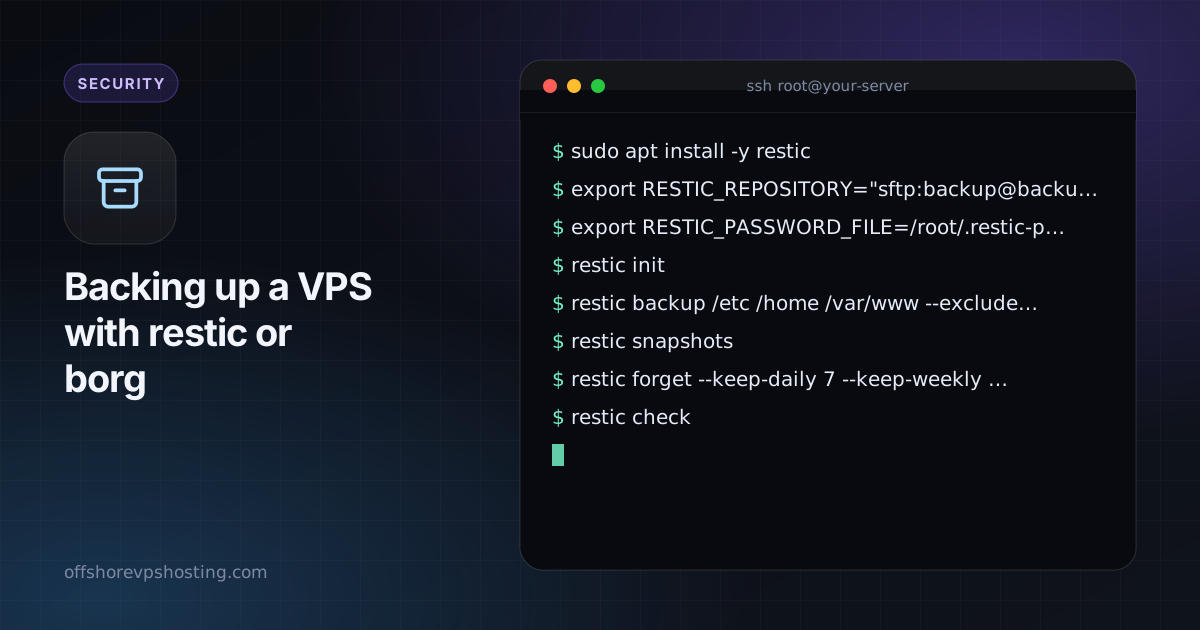
sudo apt install -y restic
export RESTIC_REPOSITORY="sftp:backup@backup.example.com:/srv/restic/myserver"
export RESTIC_PASSWORD_FILE=/root/.restic-pass
restic init
Create the password file with a long random password and store a copy offline. Without that password the backups cannot be restored.
restic backup /etc /home /var/www --exclude-caches
restic snapshots
restic forget --keep-daily 7 --keep-weekly 4 --keep-monthly 6 --prune
restic check
Borg: set up
sudo apt install -y borgbackup
export BORG_REPO="ssh://backup@backup.example.com/srv/borg/myserver"
borg init --encryption=repokey-blake2
borg create --stats --compression zstd ::'{hostname}-{now:%Y-%m-%d}' /etc /home /var/www
borg prune --keep-daily 7 --keep-weekly 4 --keep-monthly 6
borg check
Export and store the repository key with borg key export.
Databases need care
Do not copy live database files. Dump them first and back up the dump:
mysqldump --single-transaction --all-databases | gzip > /var/backups/db.sql.gz
sudo -u postgres pg_dumpall | gzip > /var/backups/pg.sql.gz
Schedule it
Run the backup from a systemd timer or cron. A simple cron line:
15 3 * * * root /usr/local/bin/backup.sh >> /var/log/backup.log 2>&1Alert yourself on failure, for example with a monitoring ping at the end of the script.
Test a restore
restic restore latest --target /tmp/restore-test --include /etc/nginx
ls /tmp/restore-test
Test a real restore on a spare machine from time to time. A backup you never tested is only a hope.