














Deep packet inspection (DPI) lets a network look past addresses and ports and judge the shape of your traffic. Classic VPN protocols have recognisable handshakes, so a censor can block them without ever decrypting a byte. A private endpoint on your own VPS avoids the shared blocklists, and a protocol that imitates ordinary HTTPS avoids the fingerprinting. This guide sets up one such protocol: VLESS with REALITY on Xray.
How DPI spots a VPN
Censors rely on three signals: fixed handshake patterns (OpenVPN and WireGuard both have them), known IP ranges of commercial VPN providers, and active probing, where the censor connects to your server and checks how it answers. A protocol has to survive all three to last.
- Handshake patterns: avoided by wrapping traffic in a genuine TLS session.
- Shared IP ranges: avoided by using a server only you use.
- Active probing: avoided by making the server behave like a real website for anyone without the key.
Why REALITY
REALITY borrows the TLS handshake of a real, popular website. A probe that does not know your key is simply forwarded to that site and sees a normal certificate and page. A client that does know the key gets the proxy. There is no certificate of your own to flag, and no domain to register.
Step 1: prepare the server
Use a fresh Ubuntu VPS in a location with a good route to your users, and apply the basic hardening first. Then install Xray with the official script.
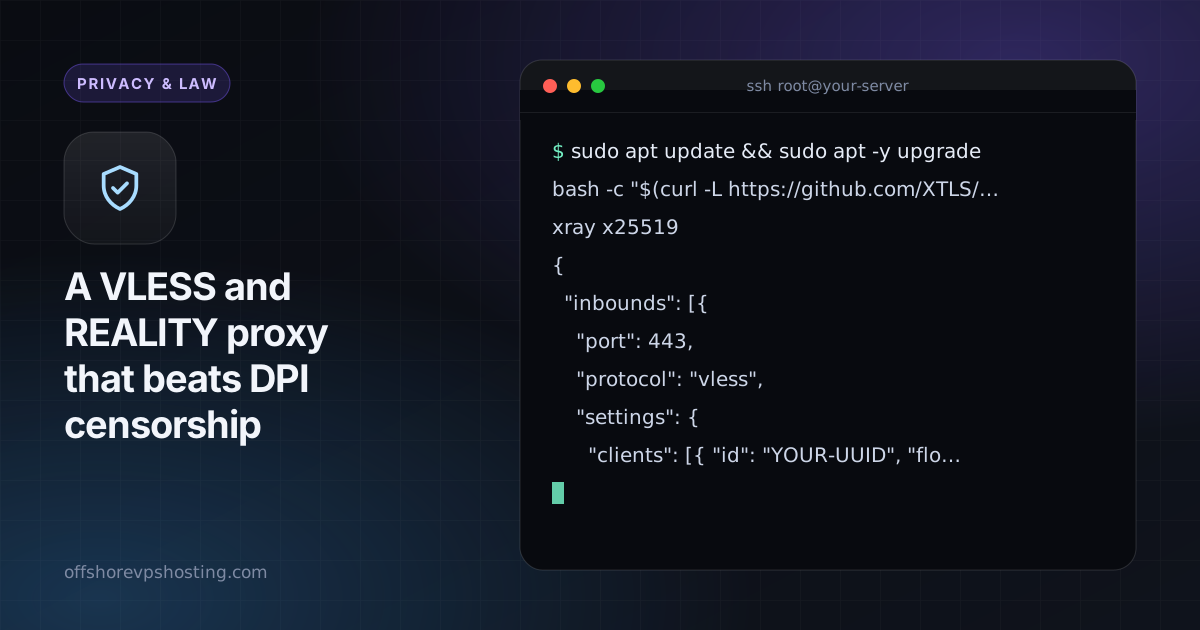
sudo apt update && sudo apt -y upgrade
bash -c "$(curl -L https://github.com/XTLS/Xray-install/raw/main/install-release.sh)" @ install
xray x25519
The last command prints a private and a public key. Keep the private key on the server and give the public key to clients. Generate a user ID with xray uuid.
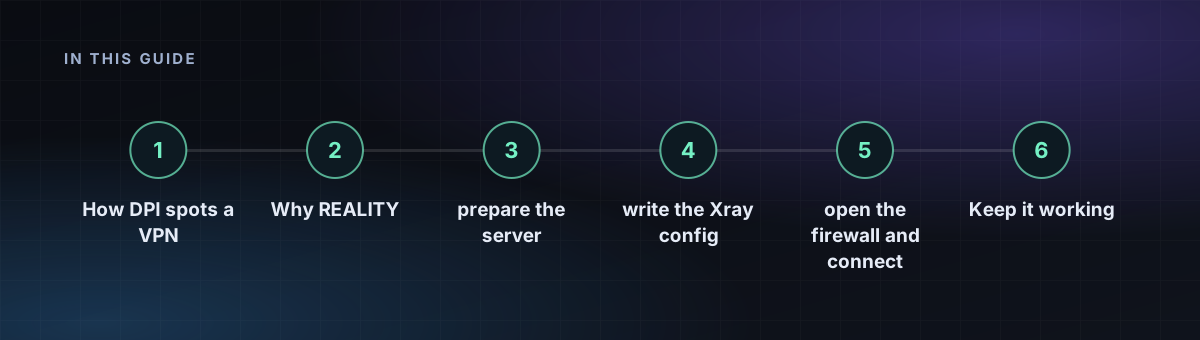
Step 2: write the Xray config
Choose a camouflage site that supports TLS 1.3 and HTTP/2 and is reachable from your server. Put its hostname in both dest and serverNames.
{
  "inbounds": [{
    "port": 443,
    "protocol": "vless",
    "settings": {
      "clients": [{ "id": "YOUR-UUID", "flow": "xtls-rprx-vision" }],
      "decryption": "none"
    },
    "streamSettings": {
      "network": "tcp",
      "security": "reality",
      "realitySettings": {
        "dest": "example.org:443",
        "serverNames": ["example.org"],
        "privateKey": "YOUR-PRIVATE-KEY",
        "shortIds": ["a1b2c3d4"]
      }
    }
  }],
  "outbounds": [{ "protocol": "freedom" }]
}
Save it as /usr/local/etc/xray/config.json, then run sudo systemctl restart xray and check systemctl status xray.
Step 3: open the firewall and connect
sudo ufw allow OpenSSH
sudo ufw allow 443/tcp
sudo ufw enable
On the client, import the server address, port 443, the UUID, the public key, the short ID and the same server name. Clients such as v2rayN, Nekoray, Streisand and Hiddify support REALITY. Set the flow to xtls-rprx-vision to match the server.
Keep it working
- Use one VPS per small group of users. A busy endpoint is easier to profile.
- If the camouflage site becomes unreachable from the server, connections fail. Pick a stable site and change it if needed.
- Keep Xray updated; protocol fixes ship often.
- Do not run anything else on port 443 of the same IP.
No tool guarantees access under every censor. Test from the network you will actually use, and keep a second protocol as a fallback. For a simpler everyday VPN, see WireGuard on your VPS, and for the choice between the two classics read WireGuard or OpenVPN.