














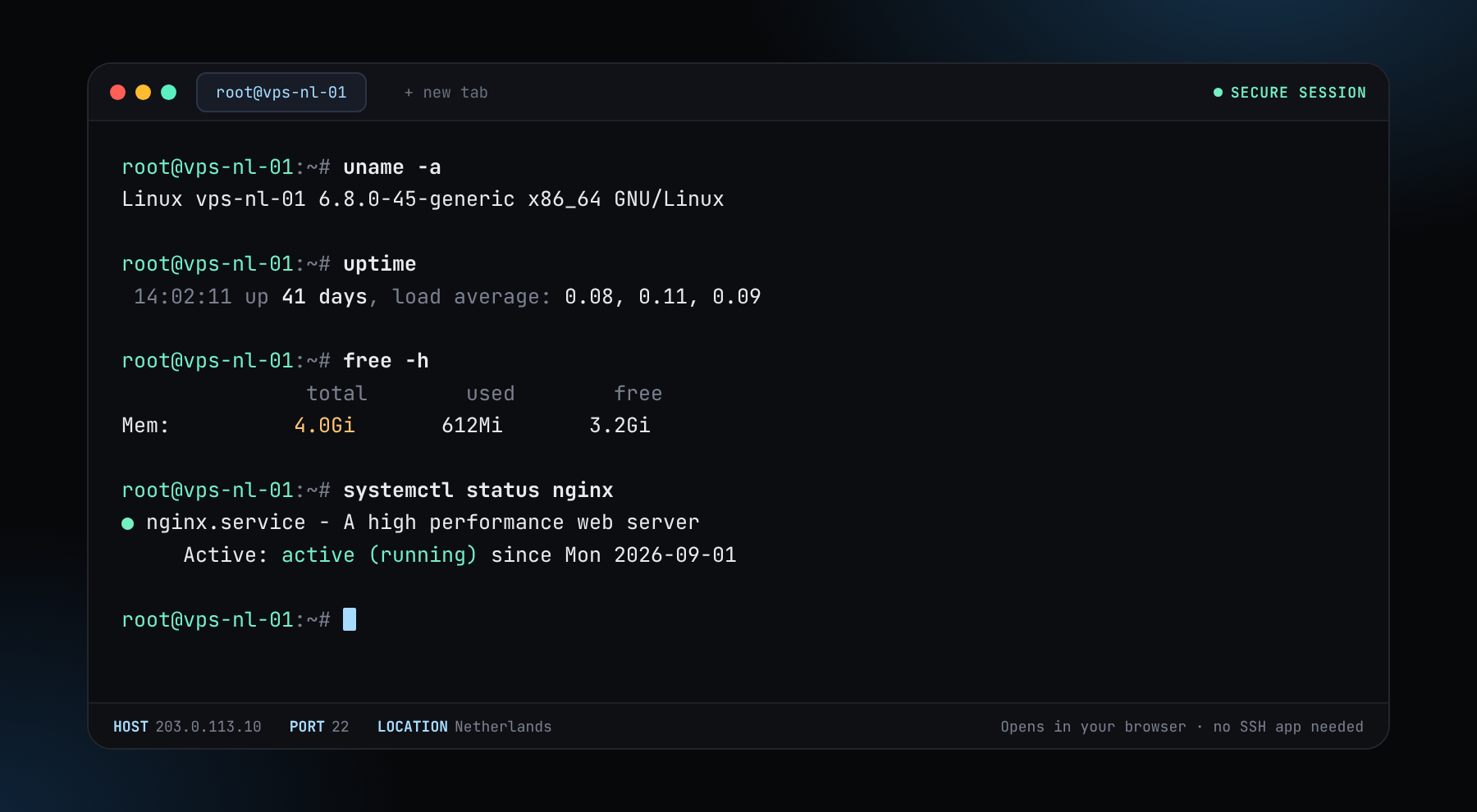
"How much VPS do I need?" depends on what you run. A small plan is plenty for some jobs and wasteful for others, while an undersized one makes everything slow. This guide gives sensible starting sizes for common workloads, and how to check whether you picked right.
Starting sizes
These are starting points, not guarantees. Real use varies with traffic and settings.
| Workload | vCPU | RAM | Disk |
|---|---|---|---|
| Personal site or blog | 1 | 1 to 2 GB | 20 to 40 GB |
| WordPress with some traffic | 2 | 4 GB | 40 to 60 GB |
| Telegram or Discord bot | 1 | 1 to 2 GB | 20 GB |
| WireGuard or other VPN | 1 | 1 GB | 20 GB |
| Trading bot | 2 | 2 to 4 GB | 40 GB |
| Minecraft server (small group) | 2 to 4 | 4 to 8 GB | 40 to 80 GB |
| Self-hosted apps with Docker | 2 to 4 | 4 to 8 GB | 60 to 120 GB |
| Pruned Bitcoin or Litecoin node | 2 | 4 to 8 GB | 60 to 120 GB |
Full blockchain nodes and AI models need much more. See the sizing on node hosting and private LLM hosting.
What each resource does
- CPU. Matters for compiling, encryption, game servers and many requests at once.
- RAM. Databases, caches, Java apps and containers. Running out causes swapping and slowdowns, or kills the process.
- Disk. Data, logs, backups and operating system. NVMe disks help most with databases.
- Network. Matters for streaming, nodes and anything that moves lots of data.
Check what you actually use
htop            # CPU and memory per process
free -h         # memory and swap
df -h           # disk space
iostat -x 5     # disk load (package: sysstat)
vnstat -d       # daily traffic (package: vnstat)
If memory is above 80 percent most of the day or the server swaps, add RAM. If CPU sits near the limit during normal use, add vCPUs. If disk is above 80 percent, add disk or clean up.
Start small and grow
You can move to a larger plan as the project grows, so there is no need to buy for imaginary traffic. Build the size with the VPS plans, or use the custom builder to pick CPU, RAM and disk separately.